Your prospects see your quotes!
Get Branded with Your Prospect the Moment They Get Their Quotes
Your Name, Your Agency Name and Your Quotes
“My site looks awesome!!”
Brett Anderson – Texas
Check Out the Screen Shots to See What Your
Prospects Will See
Click on thumbnails to view larger screen shots
1. Personal Demographics:
The prospect starts by entering in their personal demographics after they input their zip code from the home page.
2. Contact Information
They then enter in their contact information – on this page we tell them that their “personal health insurance advisor” will be contacting them.
3. Redirect to User Info
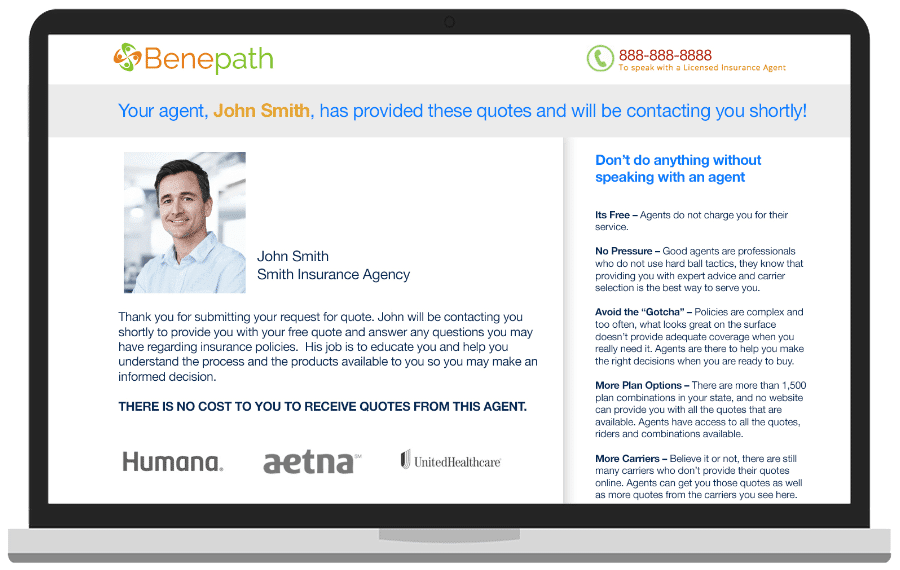
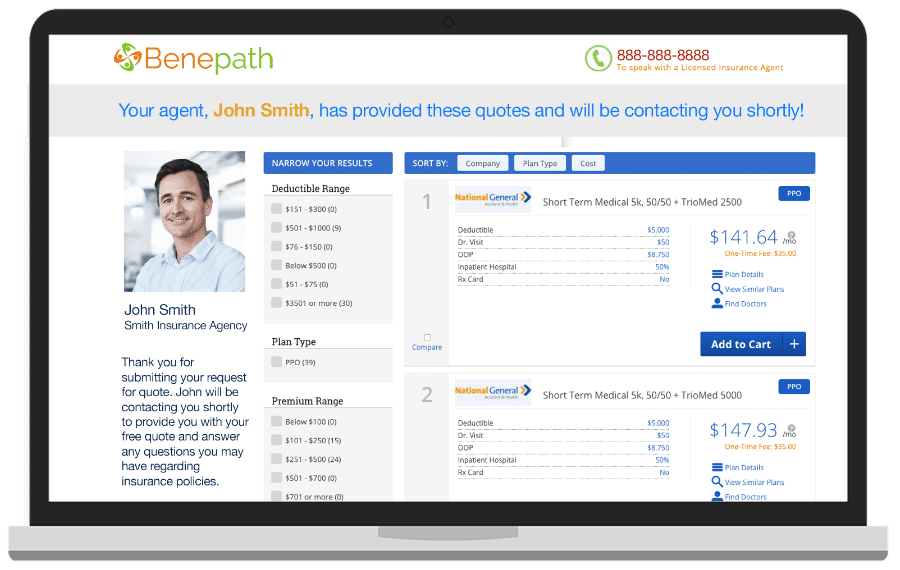
After they hit “Get Quotes” we check to make sure their information is good (good email, area code and exchange) and then take them to this page where they see:
- Your Quotes
- Your Agency Name
- Your Name
- If they dial the toll free number, it will be connected directly to the phone number you give us in the setup process.